
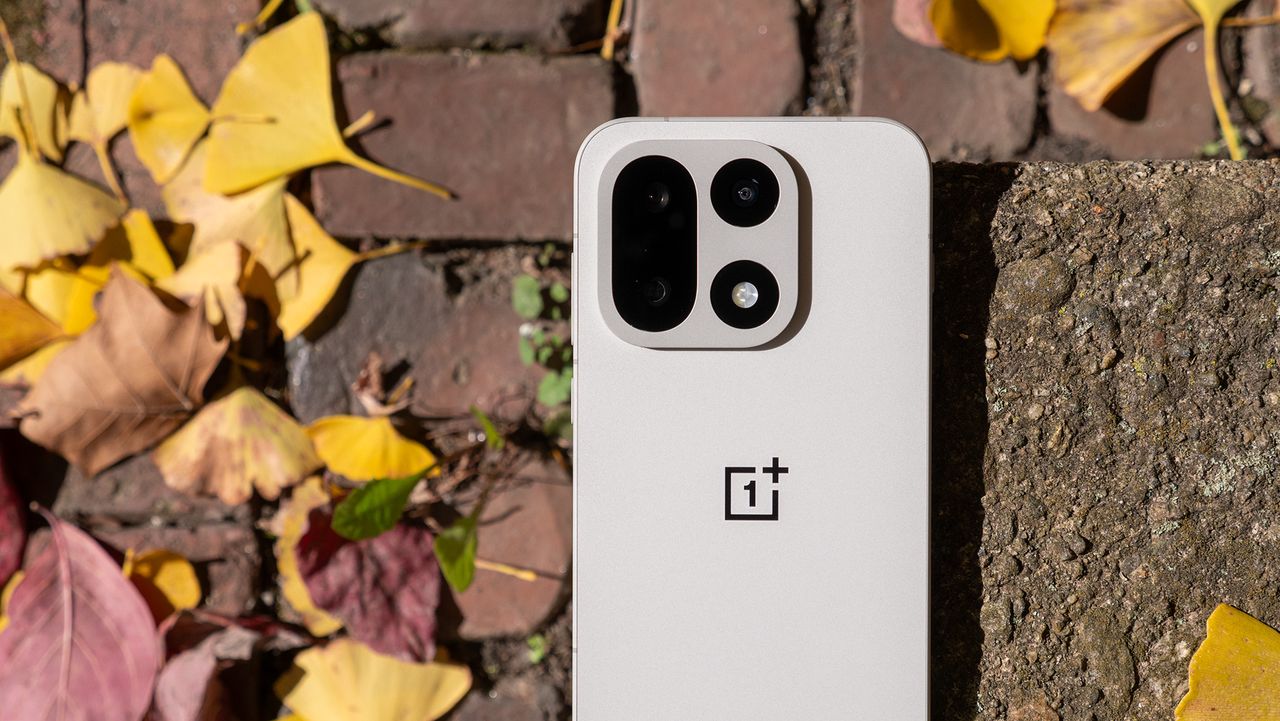
OnePlus 15 Is About to Make Sharing Files a Whole Lot Easier
If you have ever fumbled around trying to send a photo, document, or link from your Android phone to another device, you know how frustrating the experience can be. Despite Android's immense flexibility, seamless device-to-device sharing has historically been one of its weakest points compared to Apple's AirDrop ecosystem. That is finally starting to change in a meaningful way — and OnePlus 15 users are about to benefit directly from one of the most practical Android upgrades in recent memory.
The OnePlus 15, already a flagship powerhouse packed with impressive hardware, is now picking up Android's improved Quick Share functionality. This upgrade brings a more polished, reliable, and universally compatible sharing experience to one of 2025's most talked-about Android smartphones. Here is everything you need to know about what this means, how it works, and why it matters for everyday users.
What Is Android Quick Share and Why Does It Matter?
Quick Share is Google's answer to Apple's AirDrop — a wireless, proximity-based file-sharing system that allows Android users to send photos, videos, documents, links, and other content to nearby devices without needing a cable, Bluetooth pairing, or third-party app. Originally launched as Nearby Share, the feature was rebranded to Quick Share following a partnership between Google and Samsung that unified their separate sharing platforms into one cohesive system.
The significance of this unification cannot be overstated. Before the consolidation, Android's sharing landscape was fractured. Samsung had its own Quick Share, Google had Nearby Share, and other manufacturers offered proprietary alternatives that rarely played nicely together. The result was a confusing patchwork of tools that left users scratching their heads and reaching for workarounds like WhatsApp transfers or email attachments just to send a file across the room.
The new unified Quick Share changes that dynamic entirely. It works across a wide range of Android devices, regardless of manufacturer, and offers faster transfer speeds, a cleaner interface, and better reliability than what came before it.
What the OnePlus 15 Is Gaining With This Update
The OnePlus 15 is picking up the enhanced Quick Share experience as part of an ongoing software rollout. This means OnePlus users will now have access to the same streamlined sharing platform that has already been available on Pixel and Samsung Galaxy devices, bringing the brand's flagship firmly into the unified Android sharing ecosystem.
Here is what the upgrade brings to OnePlus 15 owners in practical terms:
- Cross-brand compatibility: You can now share files directly with Samsung, Google Pixel, and other Android devices that support Quick Share — no extra apps, no Bluetooth pairing rituals, no friction. The OnePlus 15 becomes a full participant in the broader Android sharing network.
- Faster transfer speeds: The improved Quick Share leverages both Wi-Fi Direct and Bluetooth for smarter, faster connections. Large video files and high-resolution photo batches that used to take an agonizing amount of time to transfer now move significantly quicker.
- A cleaner, more intuitive interface: The sharing panel itself has been redesigned with clarity in mind. Nearby devices appear quickly, are clearly labeled, and the entire process takes just a few taps to complete.
- Improved privacy controls: Users can choose who can discover their device — anyone nearby, only contacts, or no one. This granular control makes the feature practical in public spaces without compromising privacy.
- Background transfer support: Files can continue to transfer even if you switch apps or lock your screen, which is a small but genuinely useful quality-of-life improvement for sharing larger files.
How OnePlus 15 Compares to the AirDrop Experience
Apple's AirDrop has long been held up as the gold standard for wireless file sharing between devices. Its tight integration with iOS and macOS makes it nearly invisible — you want to share something, you tap share, you pick a person, and it is done. Android's sharing story has improved dramatically, but it has historically lacked that same sense of polish and reliability.
With the Quick Share upgrade landing on the OnePlus 15, the gap between the two ecosystems narrows considerably. While AirDrop still benefits from Apple's tightly controlled hardware-software integration, Quick Share's cross-manufacturer compatibility is actually an advantage in settings where not everyone is using an iPhone. Sharing a file with a friend who has a Pixel, a colleague with a Samsung, and a family member with a OnePlus no longer requires any negotiation about which app to use.
For OnePlus 15 users who have previously been frustrated by Android's disjointed sharing options, this upgrade represents a genuine step forward — one that brings the platform much closer to the effortless experience iPhone users have enjoyed for years.
Why This Update Is Especially Relevant in 2025
File sharing might seem like a mundane feature, but it is one of the most frequently used actions on any smartphone. From sending work documents to a colleague across a conference table, to passing vacation photos to a friend on the same trip, to quickly moving a file from your phone to your laptop — sharing is a daily, often hourly activity for most people.
As Android continues to mature as a platform, the focus has shifted beyond raw performance specs and camera megapixels toward the kind of seamless, interconnected experience that keeps users satisfied over the long term. The Quick Share upgrade for the OnePlus 15 is a perfect example of that philosophy in action: it does not add a flashy new camera mode or a bold design overhaul, but it makes something you do every single day noticeably better.
OnePlus has been working to strengthen its software experience alongside its already well-regarded hardware. OxygenOS continues to evolve, and integrating Android's latest sharing infrastructure is exactly the kind of foundational improvement that earns user loyalty over time.
How to Use Quick Share on Your OnePlus 15
Using Quick Share on the OnePlus 15 is designed to be straightforward. Once the update has been applied to your device, you can access the feature through the standard Android share sheet. When you tap the share button on a photo, file, or piece of content, Quick Share will appear as an option alongside your other sharing targets. Nearby devices that are compatible and discoverable will show up automatically, and a single tap initiates the transfer.
To make yourself discoverable to others, you can adjust your Quick Share visibility settings through the device's quick settings panel or the system settings menu. Toggling between visibility modes takes only a moment, giving you easy control over when and to whom your device is visible.
The Bottom Line for OnePlus 15 Owners
The arrival of Android's improved Quick Share on the OnePlus 15 is the kind of quiet but impactful update that makes a flagship phone feel even more complete. It is not the most headline-grabbing feature, but for anyone who regularly shares files between Android devices, it is one of the most genuinely useful improvements that could land on their phone this year. As Android's unified sharing ecosystem continues to expand and improve, OnePlus 15 users can now rest easy knowing their device is fully part of that story.